A whole litter to love. Less to keep in your head.
pupID brings your litter’s care together while keeping each puppy’s story distinct. The booklet is one useful part of the bigger picture.
pupID · Your litter, together
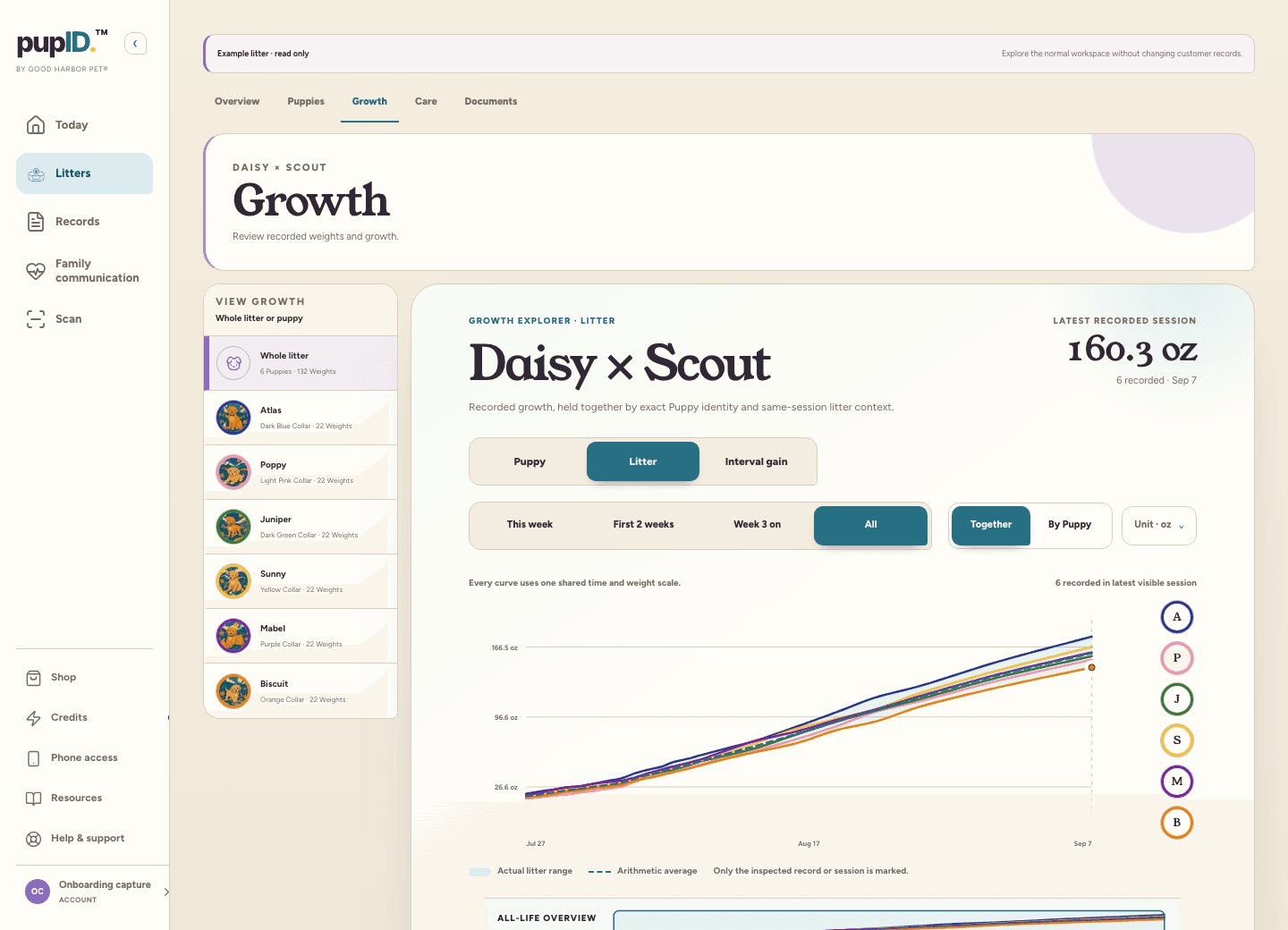
Example litter · Real pupID growth view
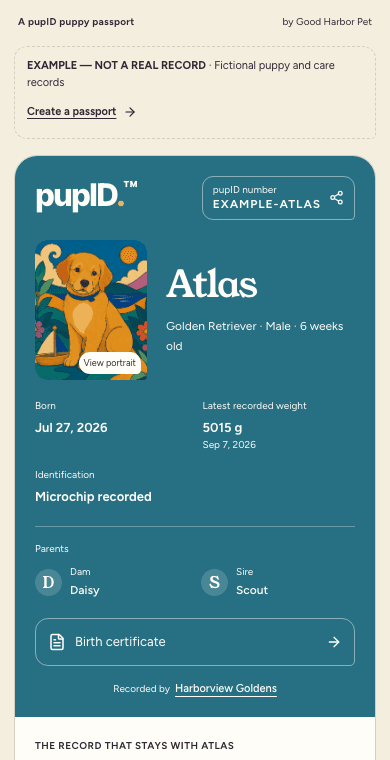
Example shared passport
01 / CARE
The everyday details.
Keep weights, care entries, photos, and documents with the right puppy or litter.
02 / GROWTH
The litter, together.
See each puppy’s weight history in context, then turn recorded care into useful reports.
03 / GOING HOME
A story to share.
Share a puppy passport with their family. Private notes and source documents stay in your workspace.
Start with your next litter
Plan free. Grow from there.
Private litters and parent profiles are free. One activation credit opens each puppy’s full pupID. Core record updates and standard sharing stay included, with no monthly subscription.
Yes. You can personalize and download a printable PDF without an account or credit card. A reserved pupID code and QR are included. Activating a full digital puppy record is separate and uses one activation credit or eligible prepaid coverage.
What can I record in the booklet?+
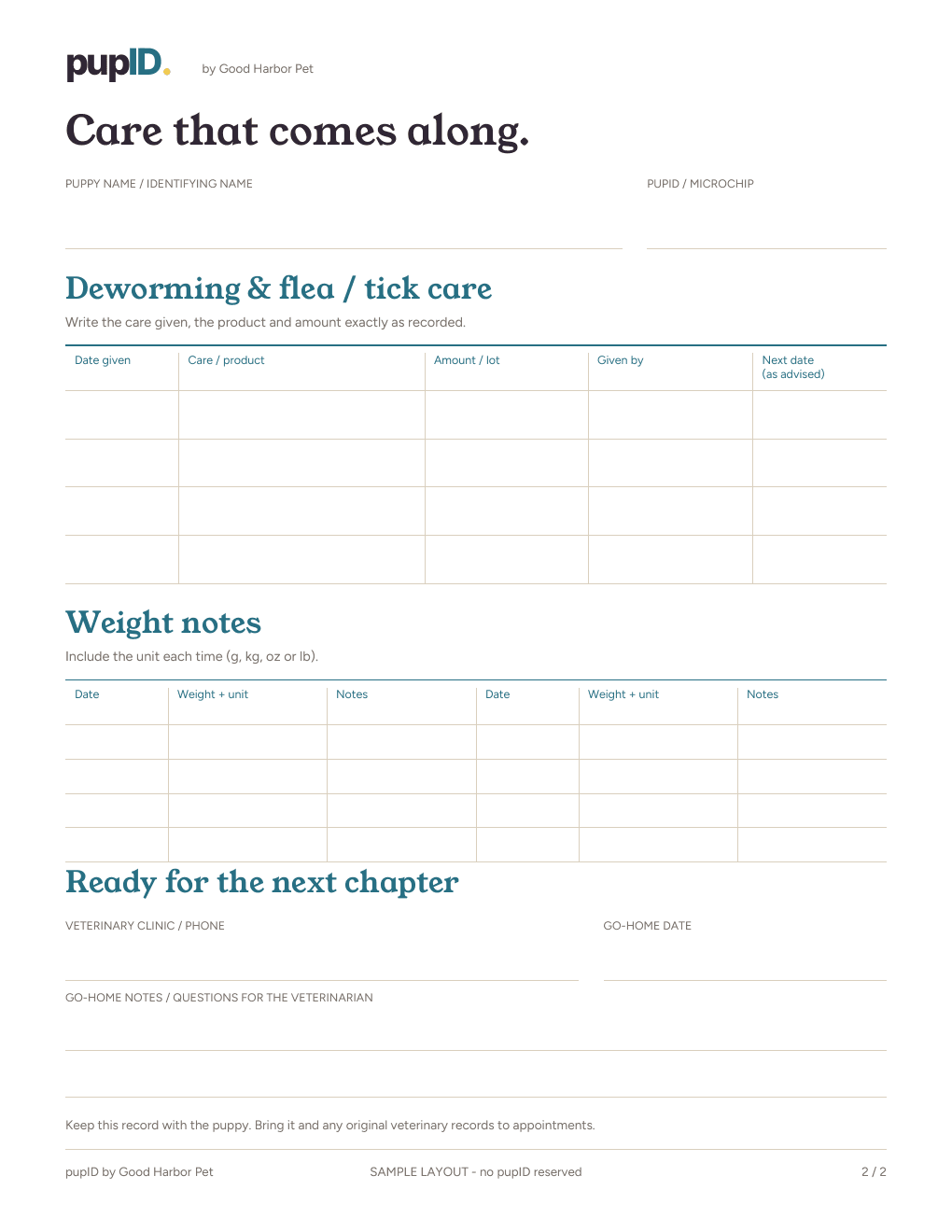
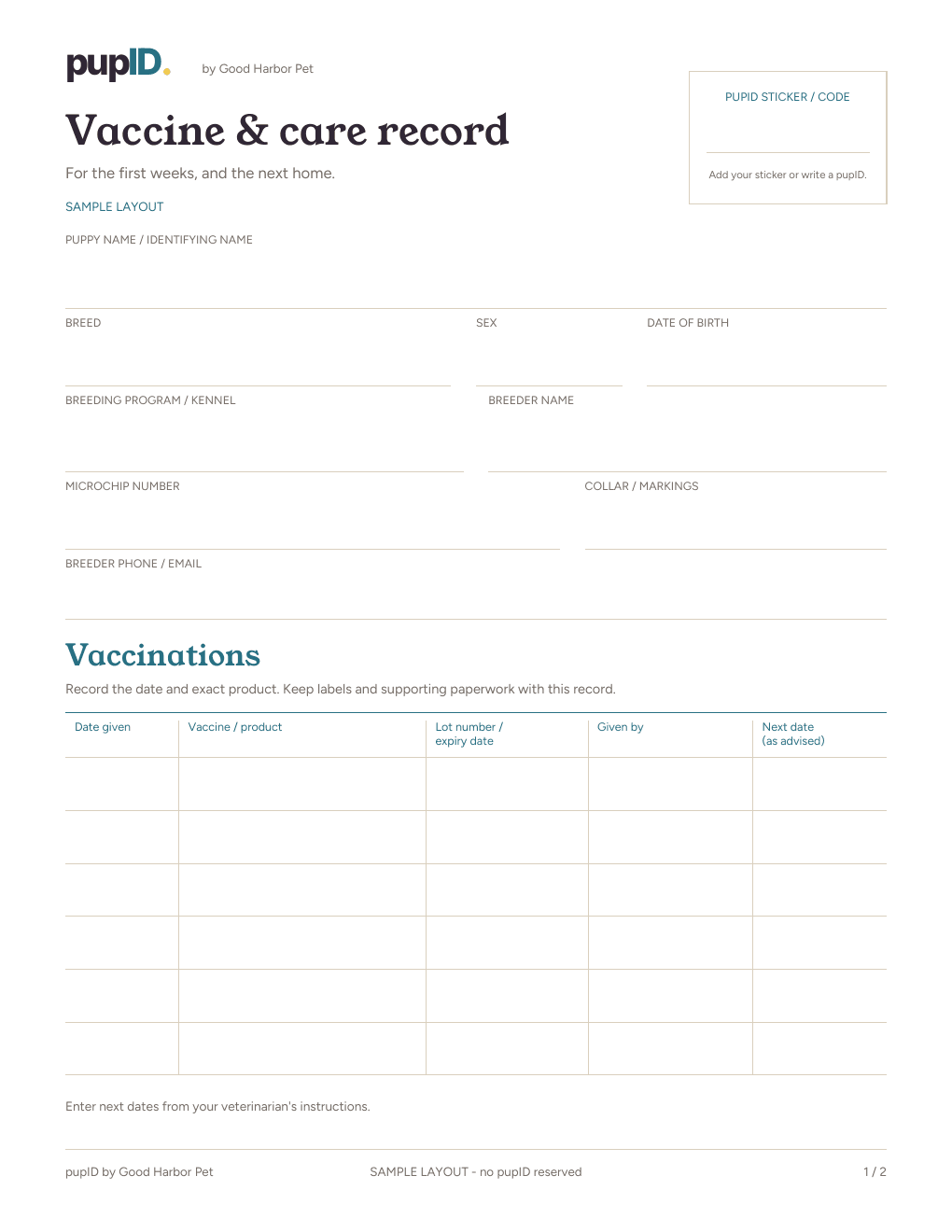
The printable has space for puppy and breeder details, vaccinations, deworming, flea and tick care, weights, microchip information, go-home details, and notes. Fill in the details you have and leave the rest for later. It records care; it does not choose a vaccination schedule.
Do I need pupID to use the paper record?+
No. The PDF works as a standalone paper record. If you later activate a digital record for that puppy, use the code printed in their booklet so the paper and digital record stay connected. Downloading the PDF does not automatically create or activate a puppy record.
What happens when someone scans the QR code?+
Before activation, the page shows that this pupID is not activated yet. The breeder can enter the printed code when setting up the puppy in pupID. Once the breeder has activated that puppy’s full pupID, the same QR opens their shared passport. A code identifies the record; it does not give someone permission to edit it. Private documents and notes stay in the breeder’s workspace.
How should I print it?+
The pupID record uses two US Letter pages. Print at actual size on 8.5 × 11 inch paper, then keep the pages together or in a folder. For the original Good Harbor layout, choose the classic Z-fold or vertical option in the tool and follow its printing instructions. Check a single copy before printing the rest.
Can I make a record for each puppy in my litter?+
Yes. Make a separate booklet for each puppy so each keeps their own code and care history. Keep your downloaded PDF if you need another copy for the same puppy. A fresh booklet creates a new reserved code, so do not use it to replace an existing puppy’s pupID.
Can I buy printed booklets and puppy collars?+
Yes. Good Harbor Pet offers physical vaccine record booklets and puppy identification supplies. The free pupID printable is a new design; the classic layouts remain available in the tool for breeders who prefer the familiar Good Harbor booklet.