
Breeder guides / Prepare families
Prepare a puppy’s
go-home packet
Bring the puppy’s records, everyday routine, and your guidance together in one useful handoff.
Before you begin
What you’re preparing
A go-home packet brings together the information a family needs when their puppy comes home: the food and routine the puppy knows, the records that belong to that puppy, and a clear way to contact you.
This guide will help you gather those materials, check the details, and organize them into a packet the family can return to. You’ll see how pupID helps you review puppy records, add your own instructions and documents, and preview what the family will receive.
Start with the family
Choose what to include in the packet.
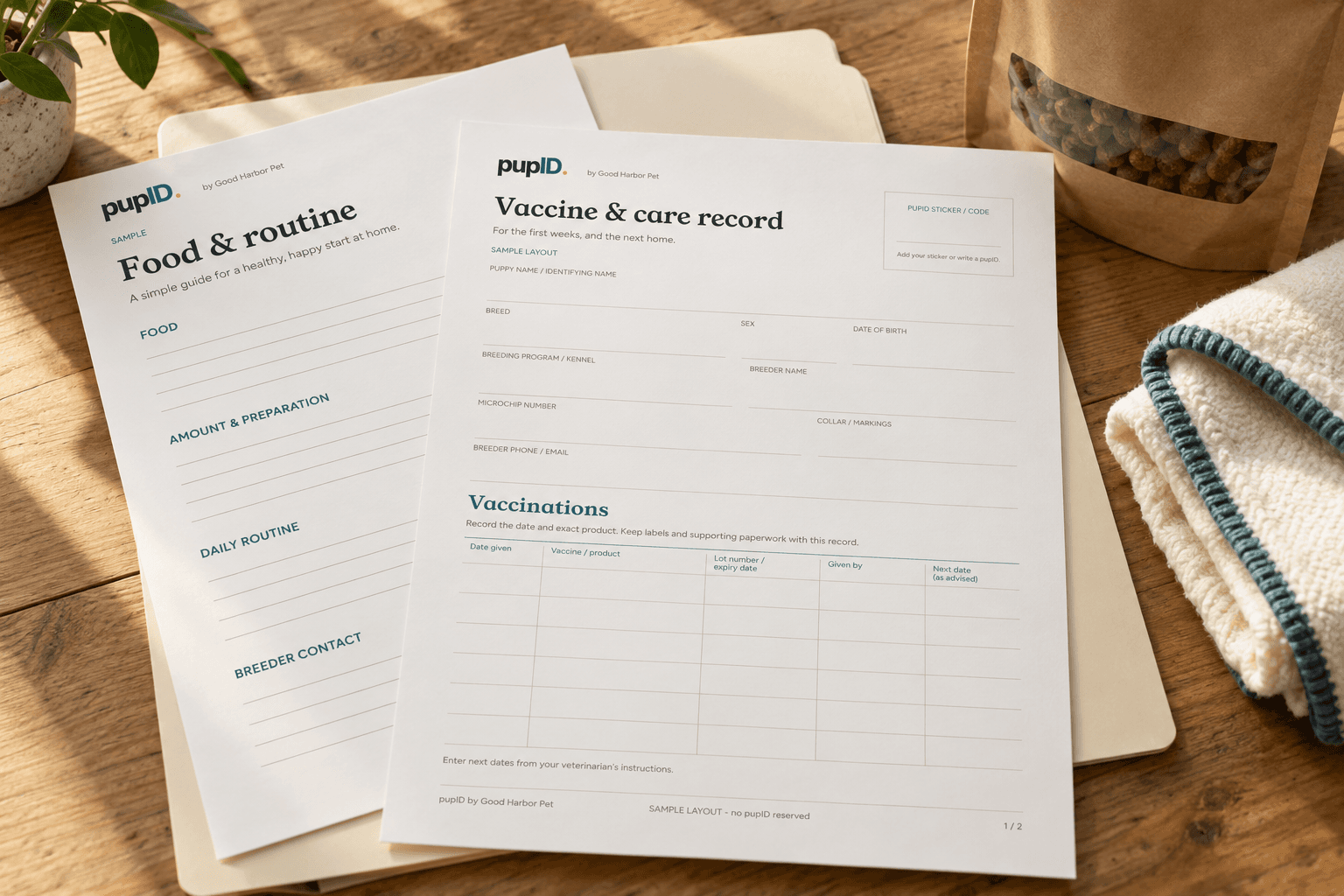
Think about the family opening the packet at home. They need to find the current food and routine, the records that belong to their puppy, and a clear way to reach you.
The American Kennel Club recommends a puppy kit with practical instructions, medical history, relevant paperwork, and familiar supplies. This guide turns that advice into a packet you can prepare and review in pupID. AKC puppy-kit guidance ↗
Food and daily routine
Your current food, preparation, routines, and puppy-specific notes.
Puppy records
Dated puppy details, care entries, and actual weight measurements.
Supporting documents
Selected original documents and clearly attributed professional instructions.
You can use your own materials, make a starter sheet below, or come back to it later. Preparing a packet does not require a new care schedule.
Food and everyday life
Write the puppy’s food and daily routine.
Name the exact food and describe how you prepare it. Include the amount, its unit, and the current feeding pattern. If you use a scoop, explain its size. List relevant extras separately.
This follows the useful detail in WSAVA’s diet-history form: what is fed, how much, how often, and how it is measured. It describes current practice; it does not calculate a feeding prescription. WSAVA diet history ↗
Add a few specific notes about sleep, toilet routines, and settling. Date your instructions and name their author. Keep any veterinarian-provided directions separate and attributed.
Use this with pupID
Make a sheet, print or save it as a PDF, then add it under PDFs & photos in the go-home packet. Your existing document works there too.
Use my own document in pupID ↗The sheet builder is part of this guide. It does not save to your pupID account.Download the blank starterYour puppy’s everyday routine
Food and daily
routine instructions
Exact brand and recipe
Amount + unit + how it is prepared
Meals, sleep, toilet and settling notes
From evidence to a clear record
Match and verify the puppy’s records.
Match each document to the puppy before adding its information. Check identifying details and dates. Compare every entry with the original before you save it. Keep unclear information unresolved until you can check its source.
Record measurements without interpreting them.
A weight entry records a measurement at a particular time. Missing entries stay missing. A growth chart does not establish the cause of a change or certify a puppy’s health.
Record weights in pupID Sign in first. If prompted to choose a record type, choose Weight.Separate completed care from future instructions.
A completed-care entry and a future instruction mean different things. Preserve a veterinarian’s instructions with their source. AAHA’s guidance supports individualized veterinary recommendations. AAHA guidance ↗
Open your documentsHelp the family prepare
Help the family prepare for arrival.
Share the routine the puppy knows, then help the family decide what life will look like in their home. Who handles daily care? Where will the puppy sleep? Which rooms are accessible? What cues will everyone use?
AKC encourages families to agree on simple, consistent house rules before arrival. These are household choices, so leave room for the family to make them. AKC house rules ↗
List the supplies and documents you will send.
Write down the supplies and documents you intend to send, including the current food and any familiar item. Review the list while packing. A written list describes your intention; it does not record that the items were handed over.
Download family preparation sheetEditable text file · household questions + packing list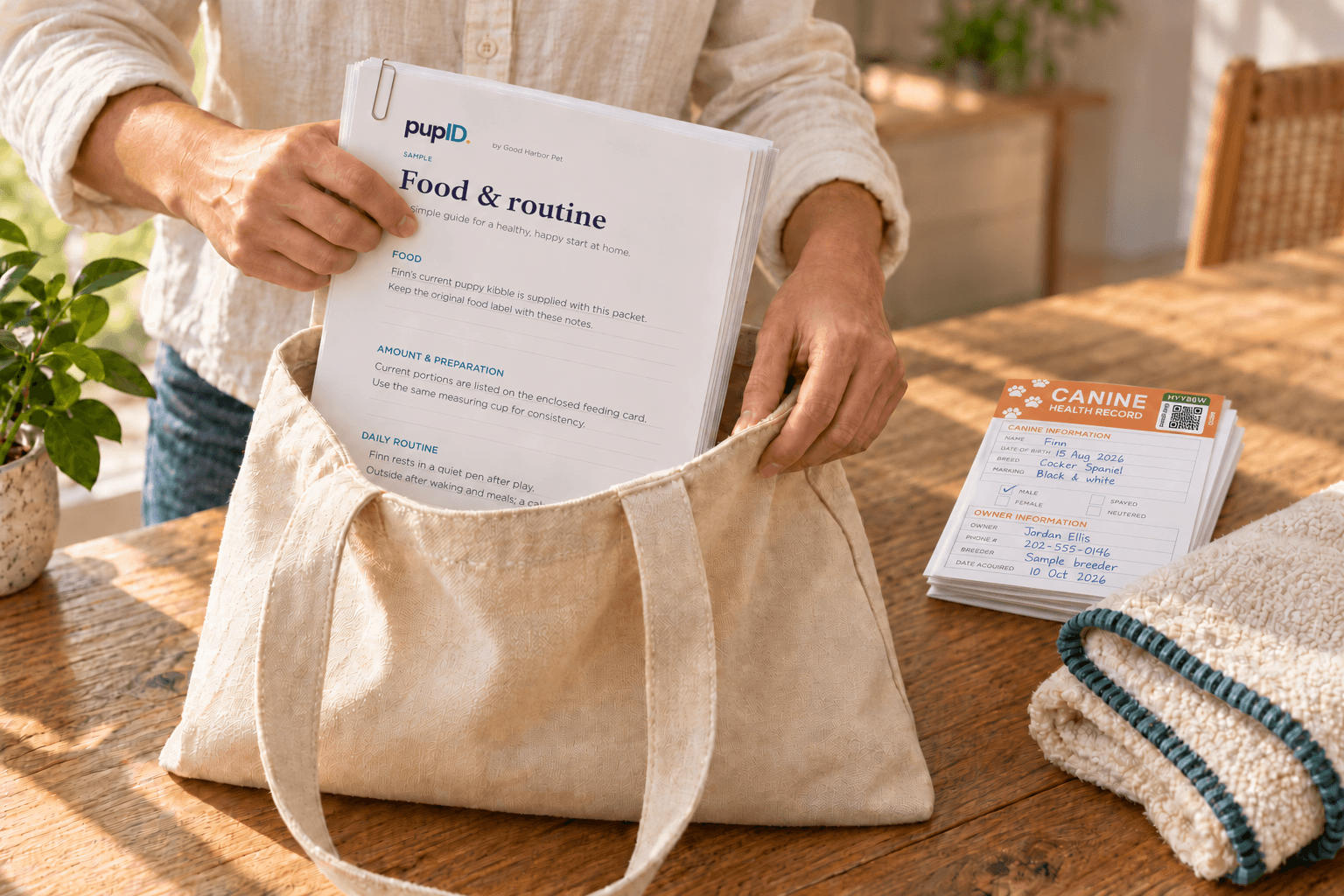
A conversation for the family
What will the first
evening look like?
Who will be there to help?
Where is the quiet sleeping space?
What familiar routine can continue?
Wheaton Public Library · 2020 · Opens video page ↗
An optional longer resource for family preparation. The written guide and worksheet stand on their own.
Put the pieces together
Assemble the go-home packet in pupID.
Choose the pieces that help this family. The sample below demonstrates the different kinds of information a packet can hold. Clover and all sample details here are fictional.
Breeder-authored document
The everyday details, in your own words.
This document describes current food and routines. Its author and date help the family understand whose guidance they are reading.
Illustrative document excerpt · fictional Clover
- Prepared by
- Example breeder · October 9, 2026
- Settling
- Clover has been resting in a quiet pen after play.
- Food details
- Add the exact current product, amount and preparation to your own sheet.
- Questions
- Add the breeder’s chosen contact details.
A reusable base still needs a puppy-specific review. This excerpt supplies no feeding amount or clinical instruction.
The sample changes only this page. It does not read, create, publish, or email a puppy record.
Assemble yours in pupID
Families → Prepare go-home → Packet
Sign in and select the puppy. Add a Puppy take-home record PDF if useful, and upload your selected instructions and documents under PDFs & photos. Add your introduction under Welcome note.
Check which records appear in the PDF.
The generated family PDFs follow the public passport’s visibility settings. Private records are not automatically included. Private growth reports can contain different information and need their own review before sharing.
Review every attachment before sharing.
Uploaded documents stay private. If you add a separate PDF or photo to a packet, inspect it first. Uploaded PDFs retain their original contents; adding one does not redact it.
Read the family’s copy
Review the packet before sharing.
Choose Save & review packet, then Open full packet preview. Read the welcome note, confirm the recipient and puppy, and open each selected file.
Generated PDFs are saved copies. The passport link opens the live shared record. If information changes later, decide whether the family also needs updated document copies.
In the current pupID flow, email becomes available after Record go-home. Saving the packet, recording the handoff, requesting email, and confirming delivery are separate outcomes.
Prepare your puppy’s go-home packet.
Clear instructions. Selected records. A familiar voice they can contact.
References and scope
Where this guidance comes from
Written by Good Harbor Pet. References support the specific points noted below; the organizations do not endorse pupID. This guide organizes records and family materials and does not prescribe medical care.
AKC · Pack a Puppy Kit for New Puppy Buyers ↗
Hilarie Erb. Practical kit recommendations, including current routine, records, supplies and contact information. No publication date displayed.
WSAVA · Short Diet History Form ↗
2013. Supports precise descriptions of food, amounts, frequency and measuring devices. The guide’s starter is an original Good Harbor worksheet.
AAHA · Canine Vaccination Guidelines ↗
Published 2022; updated 2024. Supports individualized veterinary recommendations. No vaccination schedule is generated by this guide.
AKC · How to Create House Rules for Your New Puppy ↗
Jan Reisen. Household responsibilities, consistent cues and preparation before arrival. No publication date displayed.
OFA · CHIC Program ↗
Explains what a CHIC number establishes and why it does not imply normal results. Breed-specific requirements can change.
AKC · Record Keeping and Identification of Dogs ↗
Amended February 2019; linked from AKC’s current inspection documents. Registry requirements within their stated AKC/FSS scope.
Editorial review: October 10, 2026 · Source review: October 10, 2026
The Atlas screenshot was captured October 9, 2026. Recheck when sources or app workflows change.
Finished reading?
Keep track of the guides you’ve explored.