
What was done?
Record the examination or assay, provider, date and dog’s age at testing. A booking, payment receipt or sample submission does not tell you the result.
Plan your program · Parent records
Collect each dog’s details, health test reports and history. Bring them to your veterinarian, along with your questions.
Start with the records ↓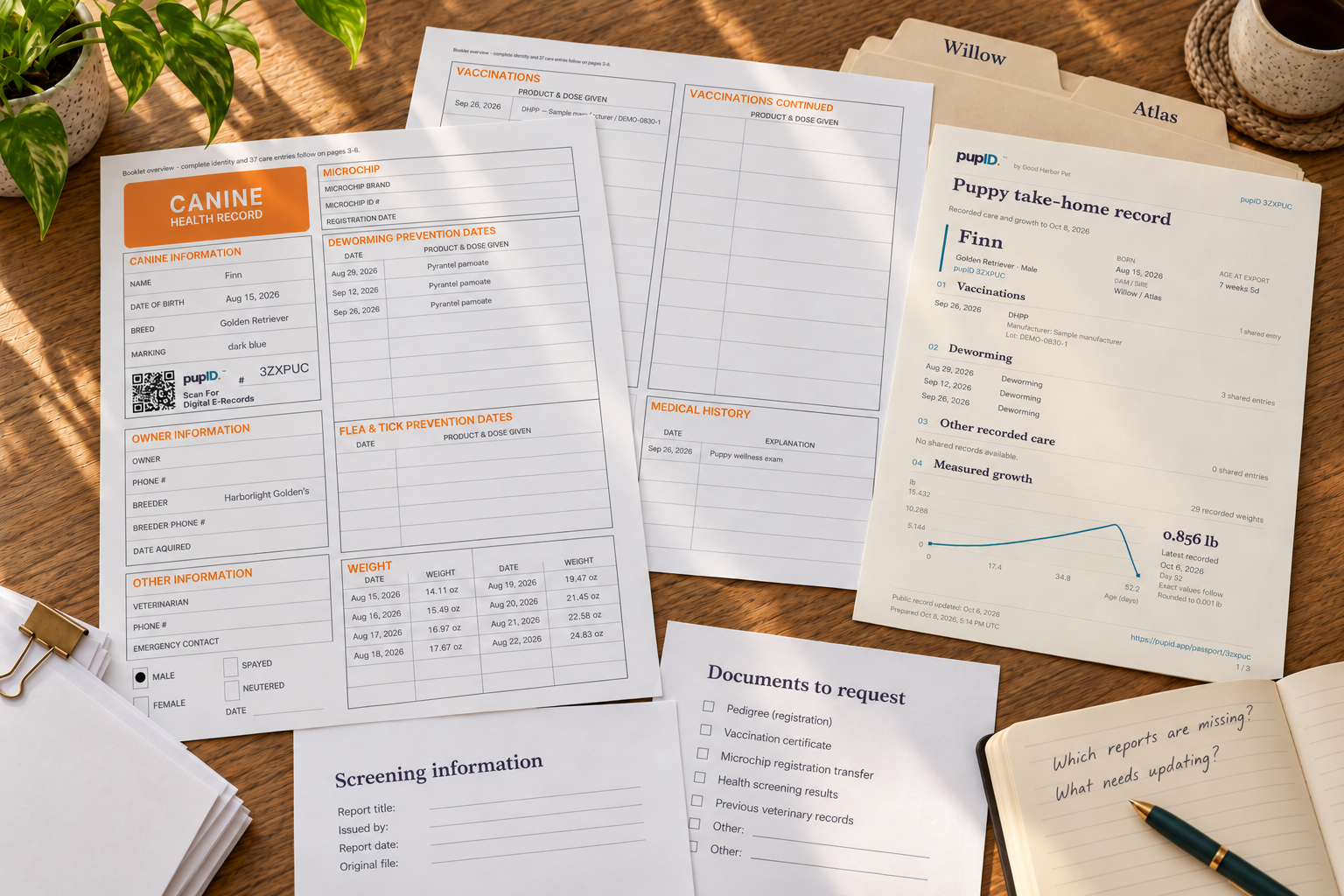
Before you choose a next step
A useful planning file has a separate section for each prospective parent: who the dog is, which original reports you have, what those reports say, what history matters and what still needs an answer. Add a dated list of the screening guidance you consulted. You should be able to find the evidence behind each statement without searching through messages.
pupID can hold reusable parent identities and connect them to litter records. Keep the detailed screening review and planning questions in your own document, using the worksheet below if it helps. This guide organizes information; your veterinarian and appropriate breed or program resources help you decide what it means for your plans.
Start one file for each dog, even if you already know both well. Write the registered name, everyday name, breed or known ancestry, date of birth, registration body and number, and permanent identification such as a microchip or tattoo. Record the owner or outside-stud contact separately from the health information.
Compare those details with every report. A familiar call name is not enough to resolve a mismatch. If a report has a different registration number, a missing identifier or an unclear date, keep the discrepancy visible and ask the issuer or owner to clarify it. OFA requires permanent identification for CHIC participation. [1]
Fictional organizing example
Save the complete report, including extra pages and explanatory notes. Give your working copy a name you can recognize, such as Maple — eye report — examination date. Keep a copy of the issuer’s original file unchanged.
Write who supplied each file and when you received it. A cropped image or message saying “all clear” is a lead to follow up, not a replacement for the report.
Begin with the OFA Browse By Breed directory and the national parent club’s health information. A parent club is the organization representing a particular breed. Cornell also points readers to breed clubs, OFA and their veterinarian when checking screening needs. [4]
For a participating breed, read the complete CHIC entry. Requirements can specify a method or examiner; they can also change. Keep the page link and the date you checked it. An older CHIC number remains even when requirements change. [1]
These four statements answer different questions. Keep them in separate fields so that a short description cannot accidentally promise more than the evidence shows.
Record the examination or assay, provider, date and dog’s age at testing. A booking, payment receipt or sample submission does not tell you the result.
Copy the report’s exact wording, grade or values, including any qualifiers. Keep “preliminary” where stated. Don’t replace a detailed result with “passed.”
Record the exact dog’s listing link, listed result and date checked. Compare it with the original. A pedigree registration is separate from a health-result listing.
A CHIC number means the breed’s required tests were performed and results made public. It does not mean all results were normal. [1]
If you cannot find a public result, write “not found on [date]” and request the original. Don’t infer normal, abnormal or never tested from an empty search. OFA’s public-access policy allows owners to choose whether abnormal results are made public. [2]
If a report says clear by parentage, retain that wording and its supporting evidence. Under OFA’s policy, it identifies a clearance based on parents’ results and verified parentage; the dog itself was not tested. Don’t record it as this dog’s own DNA test. [2]
Keep both versions with their dates. Note exactly what differs: identity, result, examination date or publication status. Ask the report issuer or registry to explain the discrepancy. Leave your summary marked “unresolved” until you have an attributable answer; don’t edit an original report to make the two match.
Use one sheet per prospective parent, with one evidence entry per screening item. The example shows how a missing report becomes a specific request. It intentionally gives no test result or breed-specific screening list.
Keep relevant history alongside the tests: known illnesses, procedures, medicines, reproductive history and reported concerns in relatives or previous offspring. Distinguish a veterinary record from an owner’s recollection. Cornell’s discussion includes health concerns that may not have a screening test. [4]
Breeder’s own working document
Edits stay in this page until you download or print. Reloading clears them. This is not saved to pupID.
Blank starter · no assessment or recommendation
Use downloaded text in your own document. To keep more than one screening entry, duplicate its fields there. Download before clearing or loading an example. Only share the private details needed for the discussion.
Open Litters → Dams & sires. Add or edit the relevant parent profile. The inspected forms support name, breed, registration number and a profile photo. The dam form also has an optional birth date and status; the sire form includes an outside-stud option with private contact details.
Compare the saved identity with your planning file. Saving creates or updates a reusable parent record. It does not verify screening results or approve breeding plans.
In an existing parent’s profile, use Linked litters to open connected litter records. Treat that list as an index to your recorded history; keep the original veterinary reports for any clinical events in your planning file.
Open Litters in pupID ↗Opens the app; sign-in is required. This link does not save data.
Keep each record in its proper place
When you have a litter to record, select the correct saved dam and sire in litter setup or the litter’s parent controls. Check names and registration details before saving. Shared-profile edits affect linked records; changing a litter’s parent relationship also updates connected puppies.
The inspected editors do not provide structured parent screening results, CHIC tracking or this planning worksheet. Keep original reports, permanent-ID checks, full history and planning questions in your own secure document folder.
Before the discussion, arrange your two parent files so the veterinarian can open the actual reports. Include dated history, the applicable screening pages and the questions you could not resolve. Ask the breed club or registry about its own rules; ask your veterinarian about each dog’s health and the clinical meaning of the evidence.
Questions to take with you
Afterward, record who answered, when, and which document or result the answer concerned. Keep clinical instructions attributed to the veterinarian and separate from your own notes. Update an unresolved question only when you have the answer, with its source. A completed worksheet shows what you gathered; it does not certify a pairing.
Evidence & editorial notes
These are US-focused program and educational sources. Use the responsible authority for another country or registry. No clinical reviewer has reviewed this guide.
Program rules: identification, public results, meaning of a CHIC number and changing requirements. No page revision date stated. Read with the current breed directory; this guide supplies no universal test list.
Public-access rules and clear-by-parentage distinction. No overall revision date stated. These are OFA policies, not rules for every testing provider.
Additional route to screening information, breed clubs and veterinary discussion. No page revision date stated; individual program pages control their requirements.
Educational Q&A by Jenna Dockweiler, DVM; updated November 14, 2025. Supports breed-specific screening, veterinary consultation and limits of DNA-only screening. Its breed example is not a protocol for all dogs.
Finished reading?
Keep track of the guides you’ve explored.