
Raise and record a litter • Practical guide
Record puppy
weights accurately.
Match the puppy. Read the scale. Keep the value, unit and observation time together.
A repeatable routine makes a weight history easier to trust—and easier to explain when you speak with your veterinarian.
Prepare your weighing setup ↓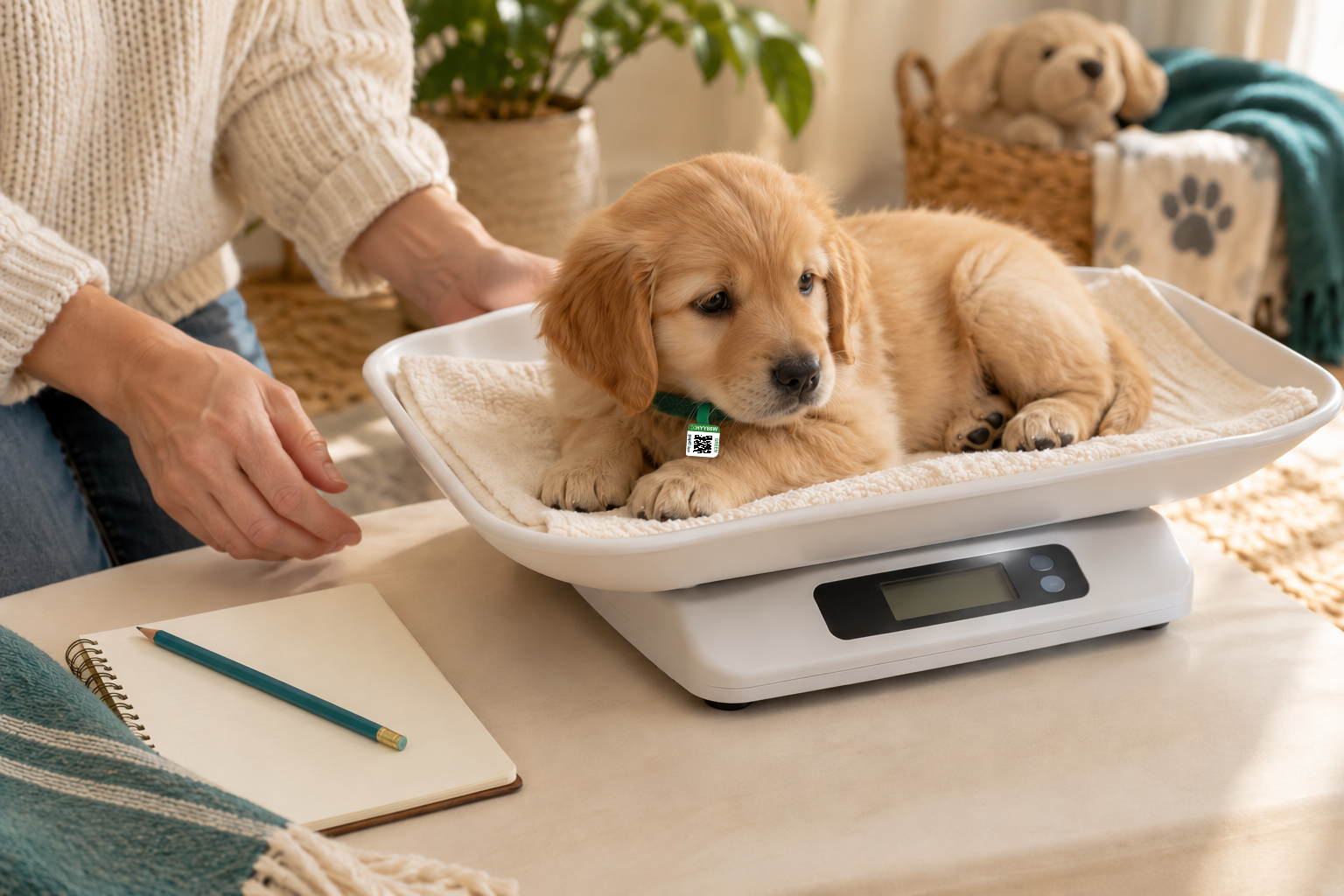
Before you begin
Build a history you can trace back to the scale.
A useful weight record says which puppy was weighed, what the scale showed, the unit, and when the observation happened. It also explains a repeat measurement, a changed scale or a corrected typing error. Those details matter more than making the line on a chart look smooth.
pupID keeps individual weights with each puppy and provides history and growth views. Enter the original reading in its original unit. Keep a separate log for details the entry screen doesn’t capture, especially the exact observation time.
This guide covers measurement and recordkeeping. Your veterinarian should guide the weighing frequency and interpretation for your litter. It does not set feeding amounts, treatment or a universal growth target.

Prepare the scale and identify the puppy.
Choose a scale with a tray that supports the puppy safely and enough capacity for the puppy plus the tray or liner. Check the manufacturer’s minimum load, displayed increments and operating instructions. A scale that jumps in large steps can hide small changes. More decimal places on a screen do not, by themselves, prove accuracy. [2]
Use a firm, level surface. Keep the same scale and liner setup where practical. Follow the scale’s instructions for checking, calibration and cleaning; don’t assume an everyday object has an exact known weight.
Before lifting a puppy, match them to your litter roster using your established identifier: for example, a breeder label together with collar color or distinguishing markings. Recheck identity each time. If identification changes, update the roster so the next person can follow it.
For newborn puppies, Merck’s professional manual recommends daily weight records during the first two weeks, then every three days until one month. That age-specific guidance is a starting point for discussion with your veterinarian, who may ask for a different plan. [1]
Record one puppy before moving to the next.
Have the record ready before you start. If someone helps, say the puppy’s identifier, number and unit aloud, then have them read it back. Finish that puppy’s row before picking up another.
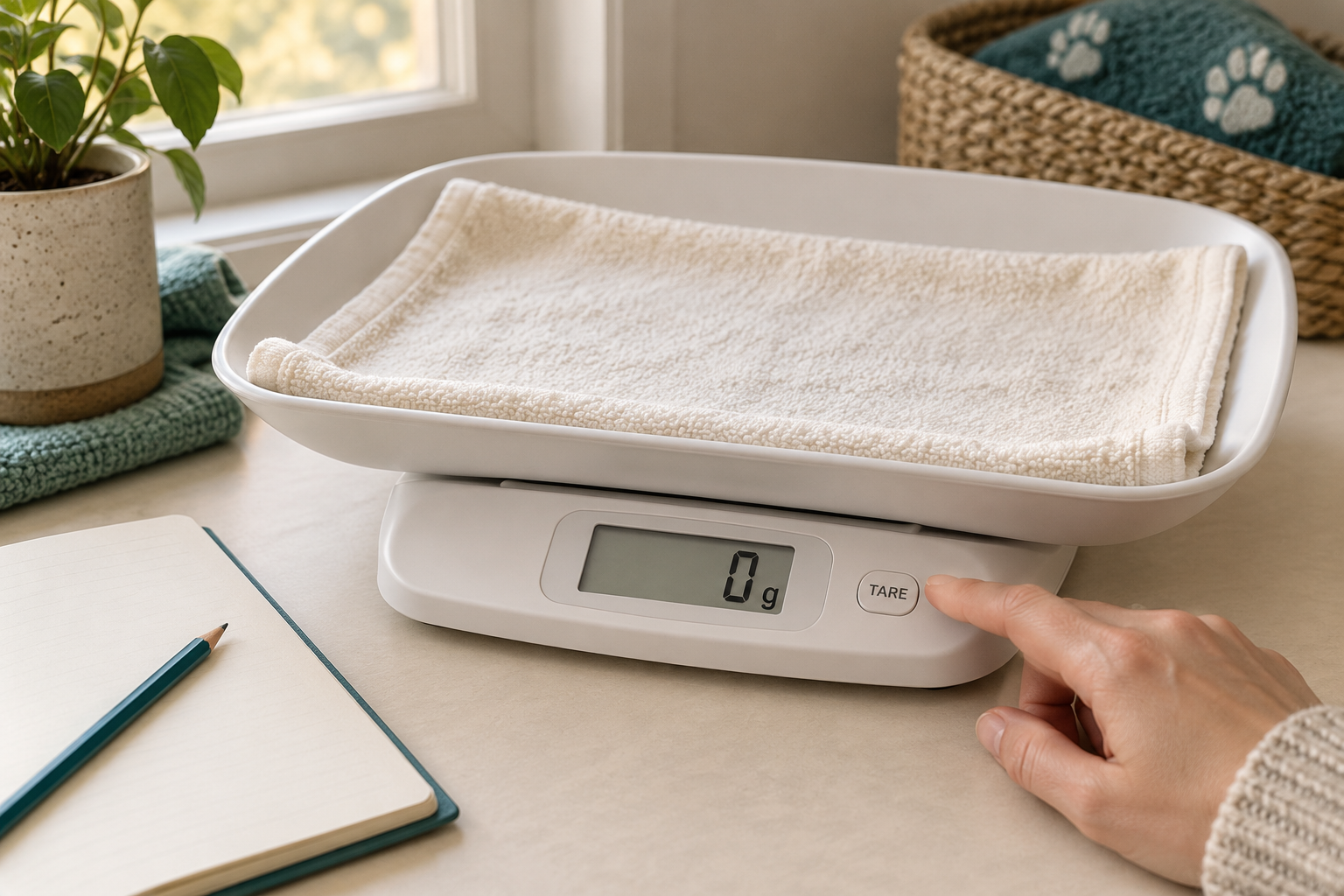
Zero the prepared scale.
Put the empty tray and liner in place, then use the scale’s tare control as instructed. Taring subtracts the container’s weight so the reading represents the puppy. Check that the prepared scale reads zero before adding the puppy. [3]
Read the number and the unit.
Place the identified puppy fully in the tray. Wait for a stable reading according to the scale’s instructions. Check that the liner isn’t dragging on the table and that no hand or object is pressing on the tray. If movement prevents a stable reading, settle the puppy safely and try again; don’t guess.
Write what the scale showed.
Record the displayed number without adding decimal places. Include g, kg, oz or lb every time. Keep decimal pounds distinct from pounds-and-ounces: “1 lb 8 oz” means 1.5 lb, not 1.8 lb. Preserve the original notation if you must convert it later.
Write the observation date and time.
Use the time the puppy was weighed, not the time you later typed the entry. Include AM/PM or use a 24-hour clock. Add the time zone when records will travel between locations. If a time wasn’t recorded, mark it unknown rather than inventing one.
Confirm the row, then return the puppy.
Read back the identifier, value, unit and time. Return the puppy promptly to their appropriate care environment. Clean or change the liner as needed and tare again after changing the setup.
In pupID → an individual weight record
Choose the litter, then enter each puppy’s reading.
Open Record weights, select the litter and puppies, and check Date. Enter Weight and Unit for the puppy shown. Use Next puppy if recording more than one. Review the entries and use the Save button to record them.
The inspected main form offers a date, with no exact observation-time field. Retain the clock time in your log. The guide’s demo never saves to pupID. App instructions were checked in source on October 10; authenticated live behavior was not tested.
Check a surprising reading without hiding it.
First compare the entry with your original log. Is it the right puppy, date, decimal point and unit? A typing mistake and a new measurement are different events.
If the scale reading itself surprised you, check the setup: zero, liner, unit, stable surface and anything touching the tray. Reweigh safely and write a separate time and result. Keep the first reading and explain what you found; don’t average the readings or choose the one that looks best just to smooth the chart.
A repeat can help identify a measurement problem. It cannot establish that the puppy is well. If the change remains unexplained or you are concerned about the puppy, contact your veterinarian. Don’t wait for a prettier chart or another scheduled weigh-in.
In pupID → review the source entry
Open the puppy’s recorded weight from the history or growth view. Manage weight records supports editing a value and unit. Check the specific source entry before saving a correction. Session-linked records take their time from the session; the value editor does not change that time.
Keep a written explanation in your own log before correcting an error. This guide does not promise an accessible in-app correction audit or an exact-time entry for repeats.
Clover • Maple litter • Green identifier
Keep the reading.
Explain the check.
- October 8, 2026 · 08:02 EDT
- 487 g — first reading. Liner found touching table edge.
- October 8, 2026 · 08:05 EDT
- 510 g — repeat after repositioning liner and re-taring empty tray.
- Later entry check
- “5.10 g” typed in error. Compared with log; corrected to 510 g.
Illustrative numbers only. Neither value sets an expected weight or growth rate. This is a teaching document, not a pupID screenshot or veterinary record.
Read the chart alongside the recorded values.
A weight chart places measurements against time. The vertical axis shows weight in the selected unit; the horizontal axis shows when it was recorded. A line joining two points connects two observations. It does not show what happened between them.
Look at the spacing of the dates and the axis range before judging a slope. Unequal time gaps change the comparison. A narrow vertical range can make a small change look steep. Missing records remain unknown, and a puppy’s curve alone cannot diagnose a problem, prove adequate nutrition or predict adult size.
Fictional example • not a pupID screen
One history, two display units
Switch the display unit. The original readings below remain in grams. These invented values teach recordkeeping, not a normal growth curve.
Display: grams. Original readings: grams.
| Observed | Original reading | Display value |
|---|---|---|
| Oct 4 · 08:00 | 412 g | 412 g |
| Oct 5 · 08:00 | 435 g | 435 g |
| Oct 6 · 08:00 | 461 g | 461 g |
| Oct 7 · 08:00 | 482 g | 482 g |
| Oct 8 · 08:05 | 510 g | 510 g |
The Oct 8 point uses the repeat described above. The first reading stays in the example log, with the setup issue explained. Conversions may be rounded; converting units does not add measurement precision.
Use your preferred unit to read.
In pupID, Account → Preferences → Preferred weight unit controls everyday private weight displays. Entry units remain separate: always match the scale. When a history display is converted, expanded details can show Recorded as with the original reading.
Weight history includes growth views for a litter, a puppy and change between observations. Review a source record when a point needs checking. Changing the display unit changes the labels, not the puppy’s underlying measurements.
A blank aid for the weighing station
Keep the details the entry screen may leave out.
Use one row for each observation, including a repeat. The blank log has space for puppy identity, the original number and unit, actual date and time, and what you checked. It contains no growth targets or care instructions.
This is a Good Harbor guide companion, not a document generated by the app. Nothing entered or downloaded here changes your account.
Sources and review
What this guide is based on
By Good Harbor Pet. Editorial and source review: October 10, 2026. No veterinary review has been completed. Equipment and logging steps are practical measurement guidance; clinical interpretation stays with the veterinarian.
- Merck Veterinary Manual: Management of the Neonate in Dogs and Cats
Autumn P. Davidson, DVM, MS, DACVIM. Full review December 2022; updated August 2025. Supports age-specific neonatal weight recording. This guide does not adopt the page’s clinical growth figures, feeding or treatment directions.
- NIST: Weighing and Scales FAQs
Office of Weights and Measures; accessed October 10, 2026. Explains displayed divisions and verification divisions. Commercial weighing context; not a puppy-scale specification or product recommendation.
- Sartorius operating instructions, hosted by NIST
Talent/M-power and Gem/Gold electronic balances; publication date not established. Basic weighing, page 8, explains container taring; calibration, page 9, discusses a stable signal. General measurement principles only; use your own scale’s manual for controls and checks.
App verification and guide limits
App instructions reviewed October 10, 2026. Some historic readings may have only a date or session time; don’t describe those as an exact observed clock time.
The photograph is generated and staged. The log and chart use fictional data. The printable and CSV are original blank aids. Review this guide when weight entry, time capture, preferred-unit behavior or the linked authorities change.
Finished reading?
Keep track of the guides you’ve explored.